
Hyderabad.06.07.2025: In today’s digital world, metro travel has become much easier. Now, there is no need to wait in long queues for tickets. You can quickly book your metro ticket through WhatsApp in just a few minutes.
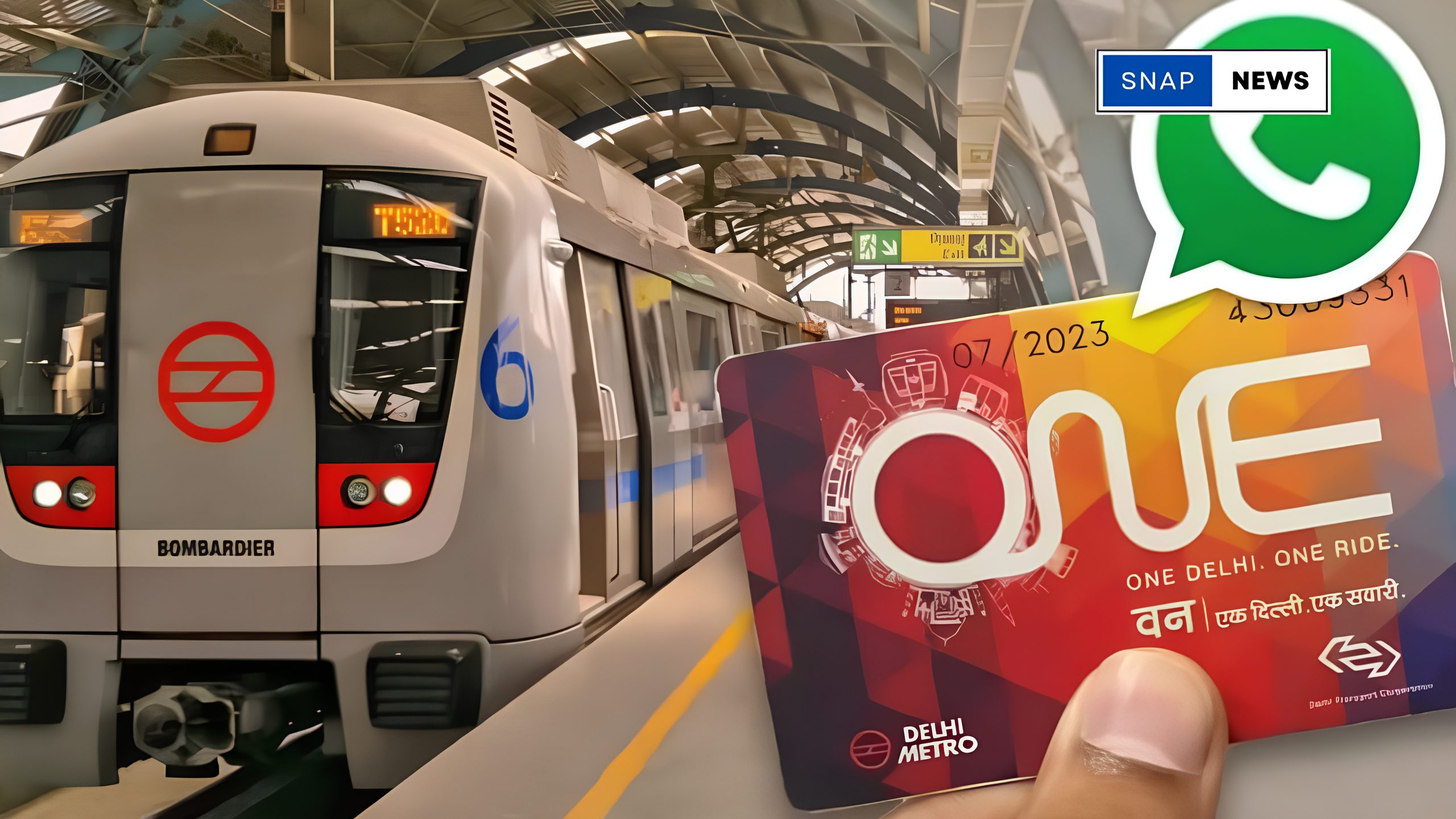
This smart facility has already started in cities like Hyderabad Metro and a few others. With this service, you can book a ticket directly from your mobile phone, making your journey faster and more convenient. Let’s learn the complete step-by-step process to book a metro ticket through WhatsApp.
How to Book a Metro Ticket Through WhatsApp?
Follow these easy steps to book your metro ticket:
Step 1: Save the Metro WhatsApp Number
First, save the official Hyderabad Metro WhatsApp number +91 8341146468 on your mobile. If you are in another city, visit your city’s metro official website to find the correct WhatsApp number and save it.
Step 2: Send a Message to the Chatbot
Open WhatsApp, select the saved number, and type “Hi” or “Ticket” in the chat. Send the message to start the booking process.
Step 3: Share Your Travel Details
The chatbot will reply with some options. You need to enter your From Station, To Station, travel date, travel time, and the number of passengers.
Step 4: Make the Payment
After confirming the details, you will receive payment options like UPI, Debit Card, Credit Card, etc. Complete the payment using your preferred option.

Step 5: Get Your QR Code Ticket
Once the payment is successful, you will receive a QR code ticket in your WhatsApp chat. You can scan this QR code at the metro station entry gate and begin your journey easily.
Conclusion
Booking a metro ticket through WhatsApp is a simple, fast, and safe method. You just need an active WhatsApp account, internet connection, and a digital payment option on your phone. Avoid standing in queues and make your travel hassle-free with this digital service.
Key Highlights:
- No need to stand in ticket queues.
- Book a metro ticket anytime through WhatsApp.
- Safe and digital payment options.
- Get a QR code ticket directly in chat.
- Available in Hyderabad Metro and other selected cities.
FAQs
Q: Can I book tickets for multiple people?
Yes, you can select the number of passengers while providing travel details.
Q: What payment options are available?
You can pay through UPI, Debit Card, Credit Card, and other available digital payment methods.
Q: Is it safe to book metro tickets through WhatsApp?
Yes, it’s a completely digital and safe process managed by the official metro authorities.




 Make Us Your Trusted Source